

To download data from any ATSB online dashboard, follow the steps below.
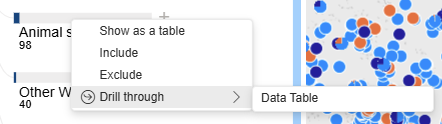
After filtering the dashboard view to the necessary occurrences, right click the item to export and select Drill through > Data Table
After filtering the dashboard view to the necessary occurrences, right click the item to export and select Drill through > Data Table
In the data table view, mouse over anywhere in the table (no need to click) and these icons appear in the top right above the last column

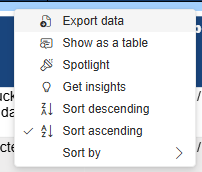
Click the ‘More options’ (three dots) icon on the right and select ‘Export data’ from the menu
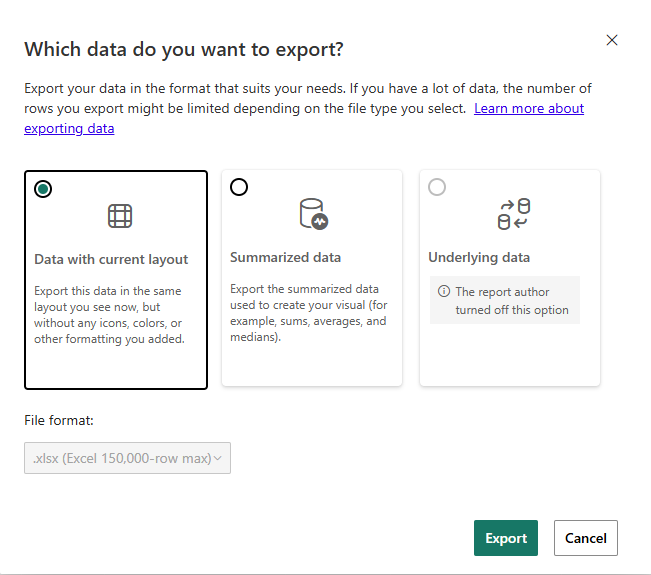
To export the full data (limited to first 200 rows), leave the default selection of ‘Data with current layout’ selected and click Export
The file will automatically download and a success message will be displayed
